
Year | Release date : April 24, 2025
Version : 5.11.2
Developer : Arturia
Format : STANDALONE, VSTi, VSTi3, AAX
Bit depth : 64 bit
Tablet : cured
System requirements :
☑ Win 10+ (64bit)
☑ 4 GB RAM
☑ 4 cores CPU, 3.4 GHz (4.0 GHz Turbo-boost)
☑ 4GB free hard disk space
☑ OpenGL 2.0 compatible GPU
☑ ARM processors not supported on Windows.
☑ Required configuration:
☑ Works in Standalone, VST, AAX, Audio Unit.
Size : 3.1 GB
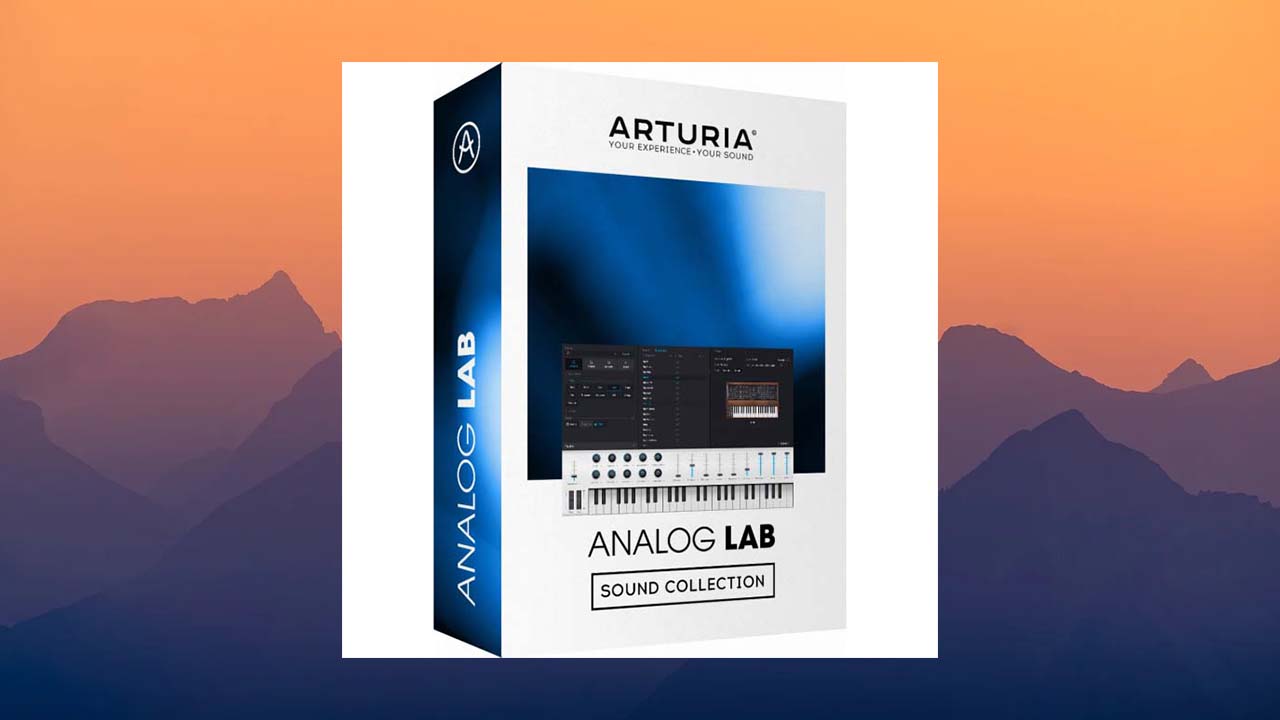

Create, produce, perform.
Analog Lab V is a plugin that brings together thousands of world-class presets
spanning dozens of timeless instruments, instant-access controls, and seamless integration in one place.
Key Features and Capabilities
Instant Creativity
Analog Lab Pro gives you instant access to the most iconic synth and keyboard sounds of all time,
fresh from Arturia’s award-winning V Collection.
Choose from a huge selection of top vintage and modern presets using the intuitive Smart Filter browsing mode,
and breathe new life into your mix with beloved classics. Whether you’re a producer, performer,
sound designer, or a vintage synth aficionado, you’ll find inspiration at every turn.
Legendary sound at your fingertips
Soulful organs, razor-sharp synth basses, warm analog pads—why choose?
With Analog Lab Pro, you get all of the above and more. Open one of these easy-to-use plugins
and unlock the sounds of every instrument included in the V Collection, plus Arturia’s latest softsynth offerings.
A synth for every genre, an icon of every era, a solution for every creative style.
Ease of Use:
Analog Lab Pro is designed to inspire, not confuse. Arturia strives to keep their plugins simple and intuitive,
so you can focus on what really matters. There’s no guesswork here—
Arturia analyzed how people actually use software instruments and created Analog Lab V to inspire your creativity, not hinder it.
Parameter Mapping:
Each instrument’s sound tweaking options are reduced to a simple set of controls that allow you to quickly,
intelligently, and creatively tweak settings. The latest presets feature four macro controls to help you stretch,
twist, or narrow your sound on the fly.
Intuitive Browsing:
Easily browse thousands of sounds with the easy-to-use browser interface.
Controller Integration:
Enjoy seamless integration with the Arturia Lab line of controllers,
as well as easy connection to most MIDI controllers – enjoy sound like never before.
Choose Your Browsing Mode:
Sometimes all it takes is a change of perspective – when you change your creative approach, you change your creative results.
Analog Lab Pro has a solution for every situation; choose the workflow and interface to suit your needs
and musical magic will follow.
• Library View: Your sound discovery platform. Browse your entire preset library using intelligent filtering and search.
Load a preset and try it out immediately using a variety of controls available in a single interface.
• Studio Mode: Enter the studio and color your sound. You can continue to tweak your preset’s built-in controls
while gaining more hands-on experience with mixing, effects, and signal flow.
• Stage View: Notes, controls, and a setlist all in one place ensure you’re fully prepared for your performance.
Stage View offers a versatile interface so you can enjoy your performance without interruption.
The Perfect Choice of Presets
With Analog Lab Pro, you’ll be spoiled for choice when it comes to sound. A library of 2,000 presets and patches has been curated
to cover all the musical styles presented in the book and more.
This incredible collection was created by some of the world’s most renowned sound engineers, each with decades of experience and creative expertise.
Your sound is in good hands.
Whether you’re playing hits of yesteryear or creating the music of the future, Analog Lab Pro gives you all the sounds you need in one elegant package. Analog Lab Pro’s
intelligent browsing
helps you achieve this, no matter your perspective. Browse by instrument,
sound bank, engineer, instrument type, and style—find the perfect sound for your needs.
Customize your library.
Once you find the perfect preset, bookmark it for instant recall next time.
Access your favorite presets in the Library tab and quickly return to the sounds you need.
Create Playlists:
Create personalized playlists so you can get back to creating faster than ever.
Organize your sounds into songs for easy performance or practice, and add notes for quick reference.
Expand Your Collection
: Looking for a creative spark? Perhaps you’re looking to give your sound a new feel or are looking for a new musical springboard.
Analog Lab Pro also gives you access to the Sound Store, which is updated monthly with exclusive sounds.
and preset add-ons, allowing you to develop your sound in any direction you like.
• Over 2,000 carefully selected sounds from all the famous V Collection instruments.
• Presets carefully selected from the Arturia V Collection (ARP 2600 V, B-3 V, CS-80 V, CZ V, Farfisa V, Jun-6 V, Jup-8 V, Matrix-12 V,
Mellotron V, Mini V, Modular V, Prophet V, Prophet VS, SEM V, Solina V, Stage-73 V, Synclavier V, Synthi V, Piano V, Vox Continental V,
Wurli V, Buchla Easel V, Clavinet V, DX7 V and CMI V).
• Updated browser allows you to quickly find sounds: by type (bass, pads, leads…), by style (bright, dark…), by genre (ambient, disco, techno, …)
• New studio view to add effects and combine 2 instruments (multi-instruments).
• Layer multiple sounds or split 2 presets on your keyboard.
• 4 new macro controls for all sounds for instant sound edition.
• Automatic parameter mapping for Arturia keyboards.
• Parameters can be easily mapped to other MIDI controllers.
• Stage view allows you to perform on a prepared playlist using your Arturia keyboard or sending program changes from any MIDI controller.
• Owners of V Collection and Pigments instruments can open the full instrument set in Analog Lab.
Changelog v5.11.2
Version 5.11.2
New Features
• Added compatibility with Augmented Mallets.
• Added compatibility with Pure LoFi.
• Jup-8000 V integration.
• SEM V3 integration.
• Improved appearance of popup windows.
Bug Fixes
• Preset counts are now correct when using multiple tracks in Logic Pro.
• The sound engine no longer breaks when playing notes outside the 88 MIDI keyboard range.
• Reverb and delay are now muted at minimum volume.
• Store presets from installed banks are now correctly recalled in the DAW.
• Vocoder presets now play audio after changing the sample rate.
• Various improvements to the Sound Store checkout window.
• Macro assignments are now recalled even if the preset is made on a separate instrument.
• BankSelect/Program Change now works in VST2 in Reaper.
• Lab controllers are now automatically selected at the end of the onboarding process.
• Control surface assignments no longer remain empty when reopening a project.
• Improved tooltip for Studio Pan.
• Fixed several feedback bugs with the Lab Controller display in windows.
• Protools: Armed tracks no longer go out of sync with the project tempo.
• Fixed project feedback issues on Reaper
. • No more clicks with FX Super Unison release mode.
• Dry/Wet distortion effect no longer creates notches in high frequencies.
• FX Overdrive tone is now bipolar with the correct tooltip.
• Factory samples can no longer be imported as user samples.
• Fixed unwanted repeats of advanced modulators in legato mode.
• Seq modulator GUI now updates correctly when auto-random is active.
• Fixed bugs with copy/paste function of modulators
. • Undo now supports MIDI controller actions.
• Improved accessibility for initial plugin launch.
• No more display issues with sidebar settings.
• Fixed arpeggiator up and down behavior.
• Selecting presets in the Quick Browser no longer resets filters/sorting.
• FX insert/send state is preserved when changing an FX preset.
• GUI rendering has been improved on AMD GPUs.
• Fixed a bug where Preset Browser styles would be lost when editing presets.
• Preset count is no longer truncated if there are more than 1000 presets in a playlist.
• Computer keyboard input now works correctly when the Quick Browser is open.

![Arturia V Collection 11 2025.04 [CE-VR] STANDALONE, VSTi, VSTi3, AAX x64 [04/25/2025]](https://looptorrentz.net/wp-content/uploads/2026/03/Arturia-V-Collection-11-2025.04-CE-VR-STANDALONE-VSTi-VSTi3-AAX-x64-04252025-445x265.jpg "Arturia V Collection 11 2025.04 [CE-VR] STANDALONE, VSTi, VSTi3, AAX x64 [04/25/2025]")
![Arturia Pigments v6.0.3 [CE-VR] STANDALONE, VSTi, VSTi3, AAX x64 [04/22/2025]](https://looptorrentz.net/wp-content/uploads/2026/03/Arturia-Pigments-v6.0.3-CE-VR-STANDALONE-VSTi-VSTi3-AAX-x64-04222025-445x265.jpg "Arturia Pigments v6.0.3 [CE-VR] STANDALONE, VSTi, VSTi3, AAX x64 [04/22/2025]")
![Black Salt Audio Telos Drums v1.0.3 [SEnki] VST3|AAX [WIN] [05/09/2025]](https://looptorrentz.net/wp-content/uploads/2025/05/Black-Salt-Audio-Telos-Drums.jpg "Black Salt Audio Telos Drums v1.0.3 [SEnki] VST3|AAX [WIN] [05/09/2025]")